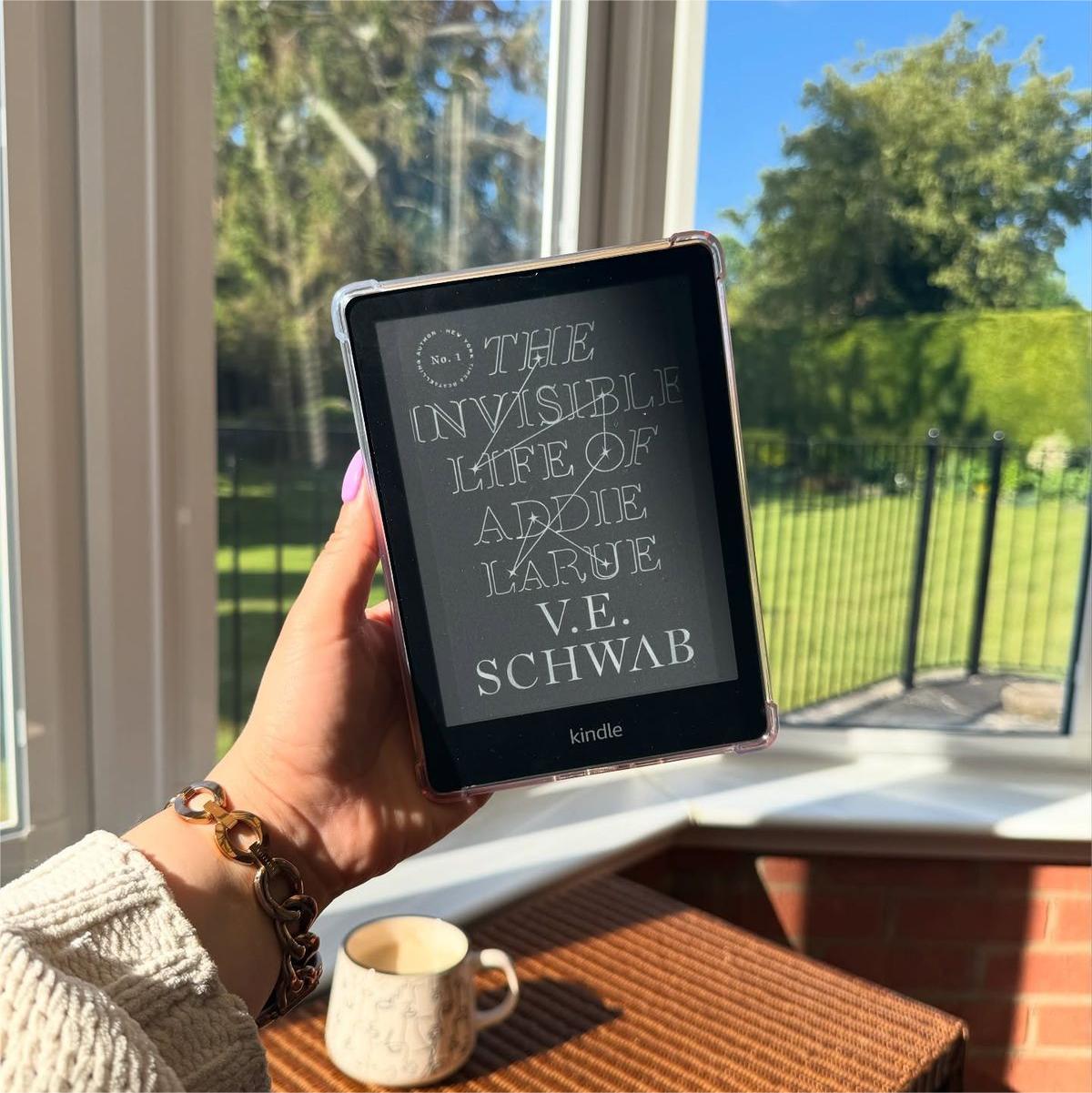
If you love your Kindle as much as I do, you’ve probably had at least one reading night where you meant to read one chapter… and suddenly it was 2 a.m. But sometimes long reading sessions come with tired eyes, headaches, or that “okay I definitely need a break now” feeling.
The good news? Kindle screens are already designed to be easier on your eyes than phones or tablets. And with a few smart adjustments, it’s totally possible to read longer on Kindle without eye strain and actually make reading feel more relaxing instead of exhausting.
Here’s everything I’ve learned from daily Kindle reading (at home, outdoors, in bed, and honestly everywhere in between).
Why Kindle Eye Strain Still Happens (Even with E-Ink Screens)
Kindles are much gentler than phones because they use e-ink instead of bright LED displays. But eye strain can still happen if your setup isn’t comfortable.
Most readers experience strain because of:
reading posture
brightness settings
font size
reading angle
holding tension
room lighting
The goal isn’t just screen adjustment — it’s building a comfortable reading environment.
Once I started changing how I read instead of just what I read on, everything improved.
Adjust Your Font Size First (Seriously, It Helps More Than You Think)
One of the easiest ways to reduce eye strain on Kindle is increasing font size slightly.
A lot of readers try to fit more words on one page, but smaller text forces your eyes to work harder.
Try this instead:
increase font size by one level
add slightly wider margins
increase line spacing
It feels weird at first, but your eyes relax almost immediately.
And honestly? I end up reading faster this way.
Use Warm Light Settings at Night
If your Kindle supports warm light (Paperwhite and newer models do), this feature makes a huge difference.
Warm lighting:
reduces blue-light exposure
helps your brain relax
supports better sleep routines
makes nighttime reading feel softer
My favorite setup:
daytime → cool light
evening → warm light
bedtime → warm light + dark mode
This combination helps me read longer on Kindle comfortably without that “screen fatigue” feeling later.
Switch Between Dark Mode and Light Mode During the Day
A lot of people assume dark mode is always better for your eyes.
It’s not.
The best strategy is switching modes depending on your environment.
Try this routine:
morning reading → light mode
afternoon reading → light mode
evening reading → warm light
night reading → dark mode
This keeps contrast comfortable and prevents visual fatigue during longer sessions.
Fix Your Reading Angle (This One Changed Everything for Me)
Eye strain isn’t only about brightness. It’s also about angle.
If your Kindle sits too low:
your neck bends forward
If it sits too high:
your wrists tense up
Both affect eye comfort.
That’s why I started using a magnetic stand together with my fully magnetic Kindle case from GaNinno. Instead of constantly adjusting my hands, I can position the device at the exact angle that feels natural whether I’m reading in bed, at my desk, or on the couch.
Once your screen sits at eye level, your eyes relax automatically.
Take Micro Breaks Without Losing Your Reading Flow
You don’t need full reading breaks every 10 minutes.
Instead, try micro breaks.
Every few pages:
look across the room
blink slowly
stretch fingers
relax shoulders
These tiny resets help your eyes recover while keeping your reading momentum.
I do this automatically now without thinking about it.
Hold Your Kindle More Comfortably (Your Eyes Notice This Too)
This surprised me the most.
Hand tension affects eye strain more than people expect.
If your wrist hurts:
your shoulders tighten
If your shoulders tighten:
your neck shifts forward
And suddenly your eyes are working harder again.
Using a repositionable grip or stand makes a big difference here. I personally use a GaNinno fully magnetic Kindle case because the entire back surface supports magnetic placement. That means I can move my stand or grip depending on whether I’m reading one-handed, sitting upright, or lying on my side.
Comfortable hands = relaxed eyes.
Improve Your Room Lighting Setup
Reading in total darkness sounds cozy, but it actually increases eye strain.
Instead:
use soft background lighting
keep one warm lamp nearby
avoid overhead glare
avoid direct sunlight reflection
Balanced lighting helps your eyes adjust naturally between the screen and your surroundings.
This is one of the easiest ways to reduce eye strain on Kindle instantly.
Try Hands-Free Reading for Longer Sessions
When I know I’m reading for an hour or more, I switch to hands-free mode.
Using a magnetic stand:
keeps the screen stable
reduces wrist tension
improves posture
prevents neck bending
Because my stand attaches anywhere on my fully magnetic case, I can adjust placement depending on whether I’m sitting cross-legged, leaning back, or reading in bed.
It sounds small, but stability makes long reading sessions feel effortless.
Adjust Text Contrast Instead of Brightness Alone
Many readers increase brightness when their eyes feel tired.
But contrast matters more.
Try:
lower brightness slightly
increase warm tone
switch background mode
adjust font thickness
These changes reduce visual fatigue faster than brightness alone.
Blink More Than You Think You Need To
This sounds simple, but it works.
When reading digitally, we blink less.
Less blinking = dry eyes = eye strain.
Try this habit:
every page turn → blink slowly once
It becomes automatic after a few reading sessions.
Take Advantage of Outdoor Reading When Possible
One reason I love Kindle reading is how easy it is to read outside.
Natural light:
improves contrast
reduces glare
relieves screen fatigue
helps your eyes relax
When I read outdoors, I usually attach my magnetic stand to my Kindle case so the angle stays steady even on uneven surfaces like benches or blankets.
Fresh air + stable reading angle = longer reading sessions without fatigue.
Signs Your Kindle Setup Is Eye-Friendly
You’ll know your setup works when:
you forget to check brightness
your neck feels relaxed
your wrists don’t ache
you stop squinting
you naturally read longer
Comfortable reading should feel invisible.
That’s when you’re doing it right.
Build a Kindle Setup That Supports Long Reading Sessions
If your goal is to read longer on Kindle without eye strain, focus on these four things:
font size
lighting tone
reading angle
hand comfort
Adding flexible accessories like a GaNinno fully magnetic Kindle case and magnetic stand helps because your setup can adjust to your reading position instead of forcing your body to adjust to the device.
Once everything feels natural, longer reading sessions stop feeling like effort — and start feeling like the cozy escape they’re supposed to be